
Swing Caddie SC300i review

The SC300i is our budget pick because it does the core job of a launch monitor without asking anything of your phone. It reads carry and total distance, speeds, launch angle and apex, shows them on a 5.3-inch screen and says your distance out loud. What it does not do is explain a curve, since the listing names no spin, path or face data.
Key insights
- Built-in 5.3-inch LCD and voice distance output
- Target Mode for wedge distances from 15 to 195 yards
- Reads shots from 10 to 370 yards
- Who it suits: You want to map how far each club carries at the range with a simple screen and no subscription.
Swing Caddie SC300i pros and cons
- Standalone screen and voice output, no phone needed
- Target Mode turns wedge practice into a game
- Published accuracy figures and a 10 to 370 yard range
- Up to 12 hours from a rechargeable battery
- No spin, club path or face angle data in the listing
- Not built for simulator course play
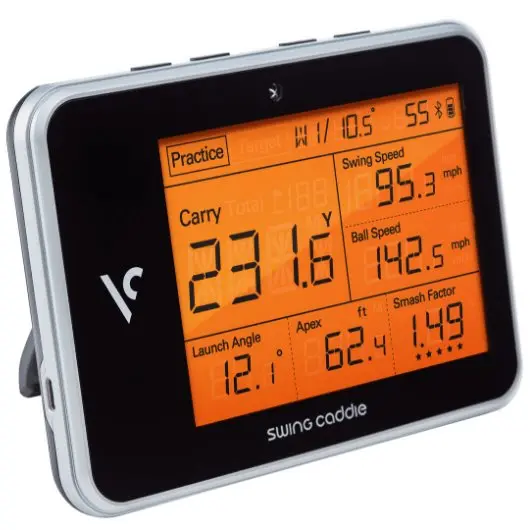 Swing Caddie SC300i
Check price
Swing Caddie SC300i at a glance
Who it is for
- You want to map how far each club carries at the range with a simple screen and no subscription.
Who should skip
- You are chasing a slice or a hook, since it lists no spin or club face data to show the cause.
Key specs
| Sensor | Doppler radar, K band 24 GHz |
|---|---|
| Display | 5.3 in. LCD |
| Dimensions | 6.5 x 4.7 x 1.1 in. |
| Weight | 15 oz |
| Battery | Li-polymer, up to 12 hours |
| Accuracy | +/- 3% ball speed; +/- 3% carry (Target Mode), +/- 5% carry (Practice Mode) |
| Measuring range | 10 to 370 yards |
| Placement | About 5 ft behind the ball |
Who the SC300i is built for
Picture a golfer at the range with a large bucket and a notebook of yardages that never quite match the course. The SC300i is aimed squarely at that person. It sits about 5 feet behind the ball, reads each shot with Doppler radar and puts the result on its own display, so the session runs without a phone in sight.
Voice Caddie built it around distance control: carry and total distance, swing speed, ball speed, smash factor, launch angle and apex. That set is enough to build reliable gaps between clubs and to see whether a cleaner strike gives you more ball speed.
Practice Mode and Target Mode
Practice Mode is the everyday screen. It shows every number after each swing and stores shot history by club, which makes it the mode for bag mapping. Run through every club once and you have a carry chart worth taping inside your yardage book.
Target Mode is the more useful one for scoring. You pick a distance between 15 and 195 yards in 5-yard steps and try to land shots there, which covers wedges and short irons, where most strokes are won or lost. Voice Caddie also quotes tighter carry accuracy in Target Mode, plus or minus 3 percent against 5 percent in Practice Mode.
The optional app and the remote
The app connects over Bluetooth and keeps a record of your sessions, but the retailer is clear that it is optional. The included remote lets you switch clubs and modes without bending down to the unit, and you can set the loft for each club. Calibrating atmospheric pressure sensors are part of how Voice Caddie keeps distances consistent from one day to the next.
What you give up
The SC300i lists no spin rate, spin axis, club path or face angle. A unit without those numbers can tell you the drive carried short, but not whether launch, spin or an open face was to blame. It also offers no simulator course play.
If either of those matters, the Garmin Approach R10 on our list is the next step, at the cost of needing a phone for every session.
FAQ: Swing Caddie SC300i
Does the SC300i need the app?
No. All of its core numbers appear on the 5.3-inch screen, and the voice output reads your distance aloud. The Bluetooth app adds session storage on a phone or tablet, but the unit works fully without it, which keeps setup at the range quick.
Can I use the SC300i at home?
Voice Caddie's placement note only asks for about 5 feet behind the ball, so a net setup fits in many garages. Radar reads best when it can follow the ball, though, so expect the driving range to be its natural home and use indoor sessions for speed and strike work.
How does the SC300i differ from the SC200 Plus?
The SC200 Plus is the simpler sibling, with a 4-inch screen, AAA batteries, a 30 to 320 yard range and a Practice Swing Mode that reads swing speed without a ball. The SC300i adds a larger 5.3-inch screen, Bluetooth app support, Target Mode and a rechargeable battery.
What comes in the box with the SC300i?
The listing names the SC300i unit, its remote control, a USB cable, a USB cover and a user manual. The companion app is a free download, so there is nothing else to buy before your first session at the range.
Other options worth a look
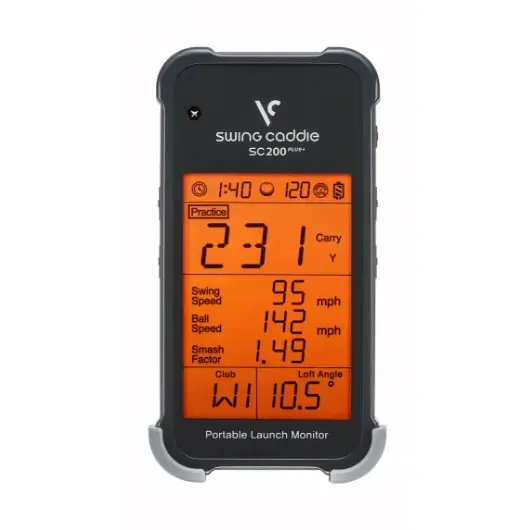 Voice Caddie SC200 PlusA simpler Voice Caddie unit on AAA batteries, with a mode that reads swing speed without hitting a ball.
Check price
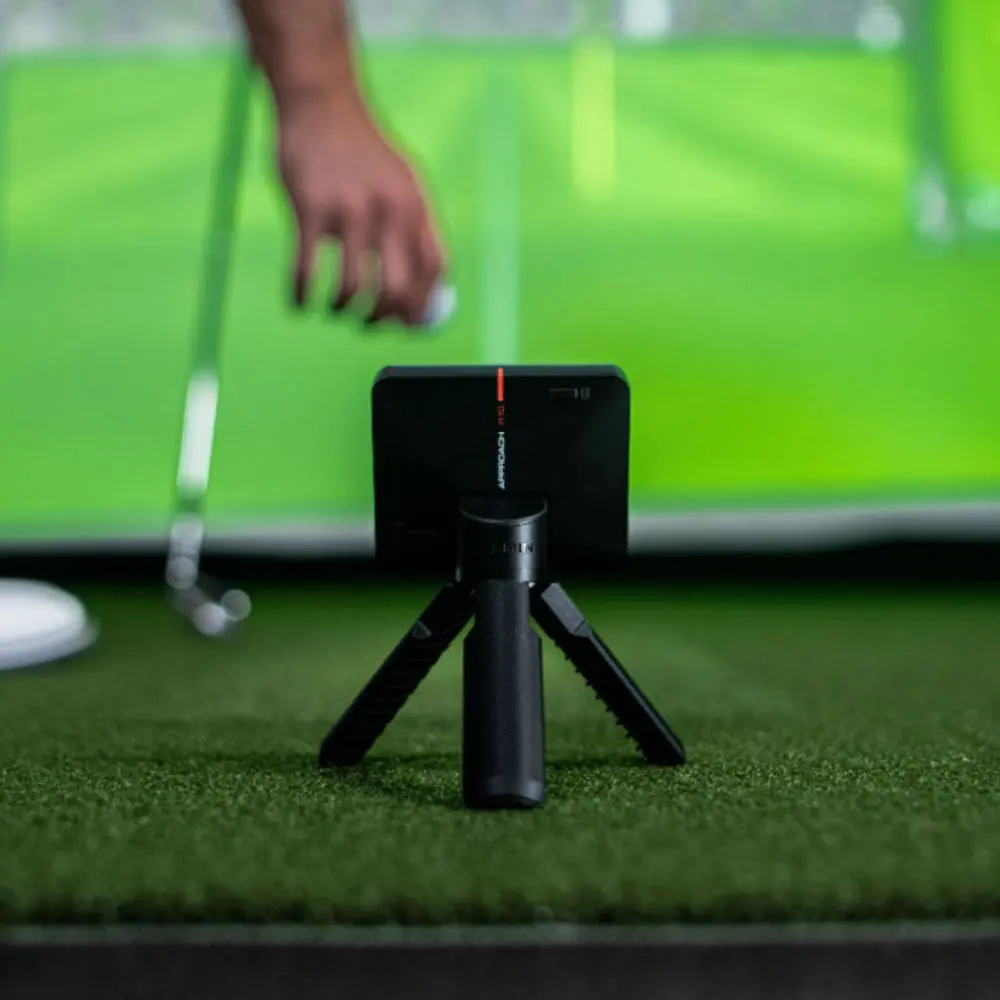 Garmin Approach R10Adds spin, path and face data plus swing video, in exchange for needing a phone.
Check price
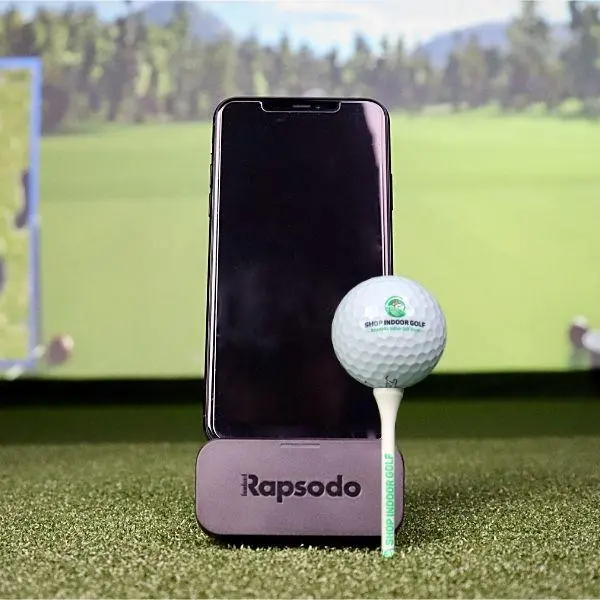
Next steps
If this one is close but not quite right, the shortlist sets it beside the other picks, each named for the buyer it suits.
Back to the best golf launch monitors for home and range practice All reviews