
Garmin Approach R10 review

The Approach R10 earns its place as our first pick because it gives club data, not just distances, in a unit that weighs 148 g. It works at the range and into a home net, films your swing automatically, and adds simulator rounds through E6 Connect on iOS. The catch is that it leans on your phone, and on a paid membership for its course library.
Key insights
- Tracks over a dozen ball and club metrics
- Automatic swing video with a stat overlay
- Battery rated for up to 10 hours of continuous use
- Who it suits: You want one portable unit that explains your misses with path and face numbers, at home and at the range.
Garmin Approach R10 pros and cons
- Lists club path, face angle and angle of attack next to the ball data
- Small and light enough to live in a golf bag
- Films every swing and lays your numbers over the clip
- Tripod, phone mount and carry case included
- No built-in screen, so a phone or tablet is required
- The large virtual course library needs a paid Garmin Golf membership after the 30-day trial
- Charges over MicroUSB rather than USB-C
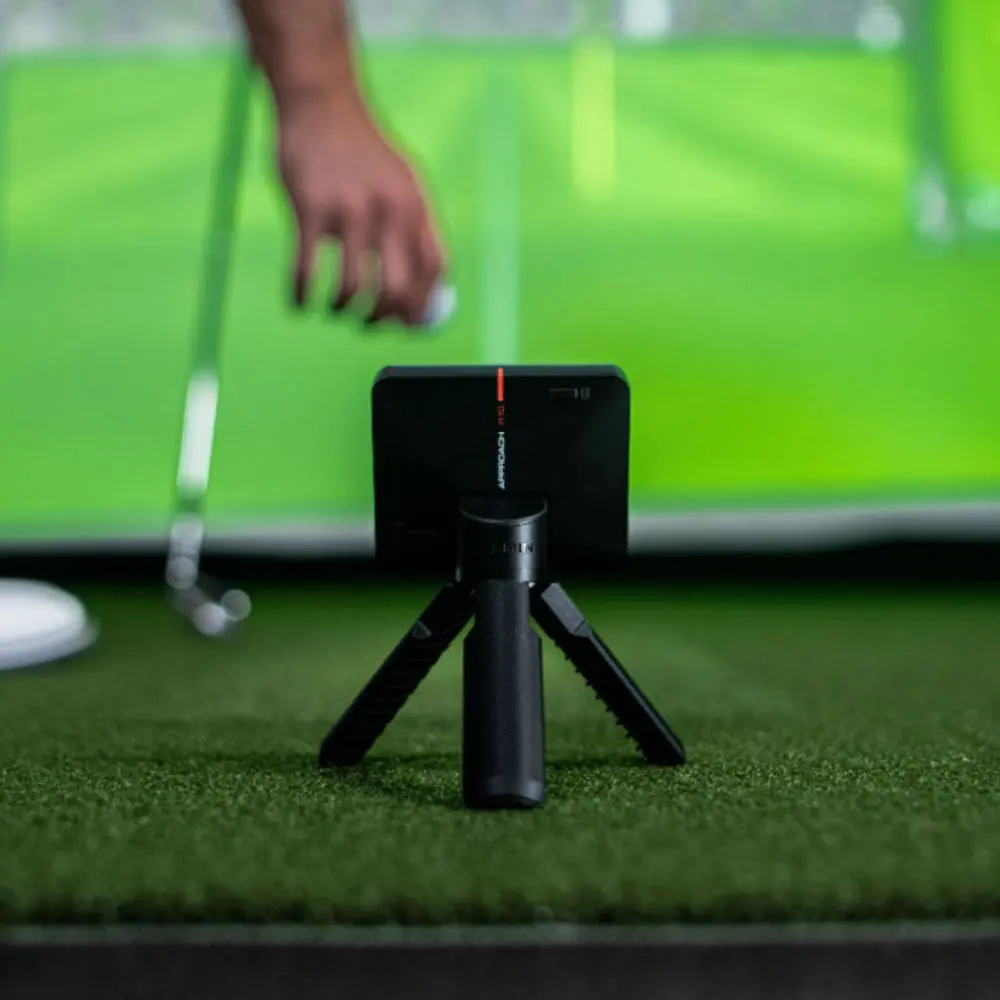 Garmin Approach R10
Check price
Garmin Approach R10 at a glance
Who it is for
- You want one portable unit that explains your misses with path and face numbers, at home and at the range.
Who should skip
- You want a screen on the unit itself or would rather keep your phone in the bag while you practice.
Key specs
| Dimensions | 3.5 x 2.8 x 1 in. |
|---|---|
| Weight | 148 g |
| Battery | Lithium ion, up to 10 hours continuous use |
| Placement | 6 to 8 ft behind the tee |
| Metrics | Over a dozen, including spin rate and axis, club path and face angle |
| Video | Automatic swing recording with data overlay |
| Simulator | E6 Connect compatible, 5 courses included (iOS) |
| In the box | Tripod stand, phone mount, carry case, MicroUSB cable, Garmin Golf membership trial |
What the R10 measures and why it matters
Garmin lists carry distance, ball speed, club head speed, smash factor, apex, spin rate and axis, launch angle, launch direction, angle of attack, club path and club face angle. The first half of that list builds a yardage chart. The second half is the diagnostic part: path and face angle together explain most curving shots, and attack angle shows whether you are hitting down on irons and up on the driver.
Having all of that in a unit this size is the main reason the R10 tops our list. Plenty of portable monitors stop at distance and speed, which tells you a shot went wrong without showing what caused it.
Setup at the range and at home
The R10 sits on its included tripod 6 to 8 feet behind the tee, pointed down your target line, and sends its readings to the Garmin Golf app. That placement matters indoors: you need that depth behind the hitting spot plus room for a net in front, so measure your garage or spare room before ordering.
Outdoors, the same setup fits any range bay. The battery is rated for up to 10 hours of continuous use, enough for several sessions between charges.
Swing video and the Garmin Golf app
One feature sets the R10 apart from most units at its level. It records a clip of every swing on your phone and overlays the shot data automatically, so you can practice without stopping to film yourself, then scroll back and match a poor strike to the motion behind it.
The app also tracks club performance over time, lets you compare stats and can run tournaments with friends. A tablet on a stand is the more comfortable screen for a long session, and the R10 pairs with either.
Simulator play and the membership question
For course play there are two routes. E6 Connect works with the R10 on iOS and includes five courses at no extra charge. The much larger virtual course library comes with a Garmin Golf membership; a trial is in the box, and after that it is a recurring fee.
If you mainly want practice data, you can skip the membership entirely. If regular simulator rounds are the plan, count that fee as part of the purchase from the start.
FAQ: Garmin Approach R10
Does the Garmin Approach R10 work indoors?
Yes. The retailer describes it as an indoor and outdoor unit. Indoors you hit into a net or screen with the R10 placed 6 to 8 feet behind the ball, so the room needs that depth plus space for the net and a full, safe swing.
Do I need a Garmin watch to use the R10?
No. The R10 pairs with the Garmin Golf app on a phone or tablet, and that is where the numbers, video and course play appear. A compatible Garmin watch can add convenience on the course, but the launch monitor does not depend on one.
Is the R10 accurate enough for club fitting?
The retailer listing publishes no accuracy figures for the R10, so treat it as a practice tool rather than a fitting device. For gapping your clubs and getting swing feedback it beats judging shots by eye. For a full fitting, a fitter's studio monitor is still the reference.
Other options worth a look
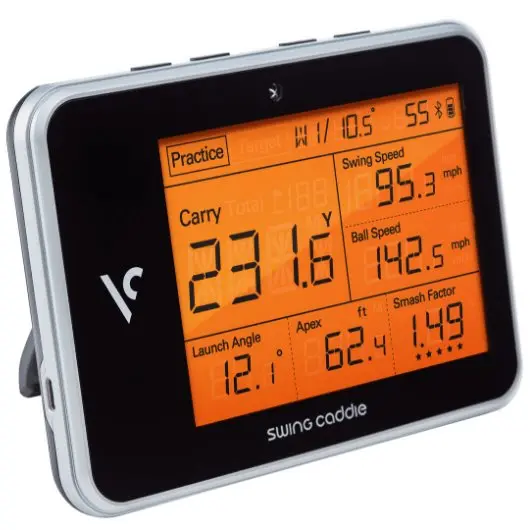 Swing Caddie SC300iA lower-priced radar unit with its own screen and voice distance, for golfers who only need carry numbers.
Check price
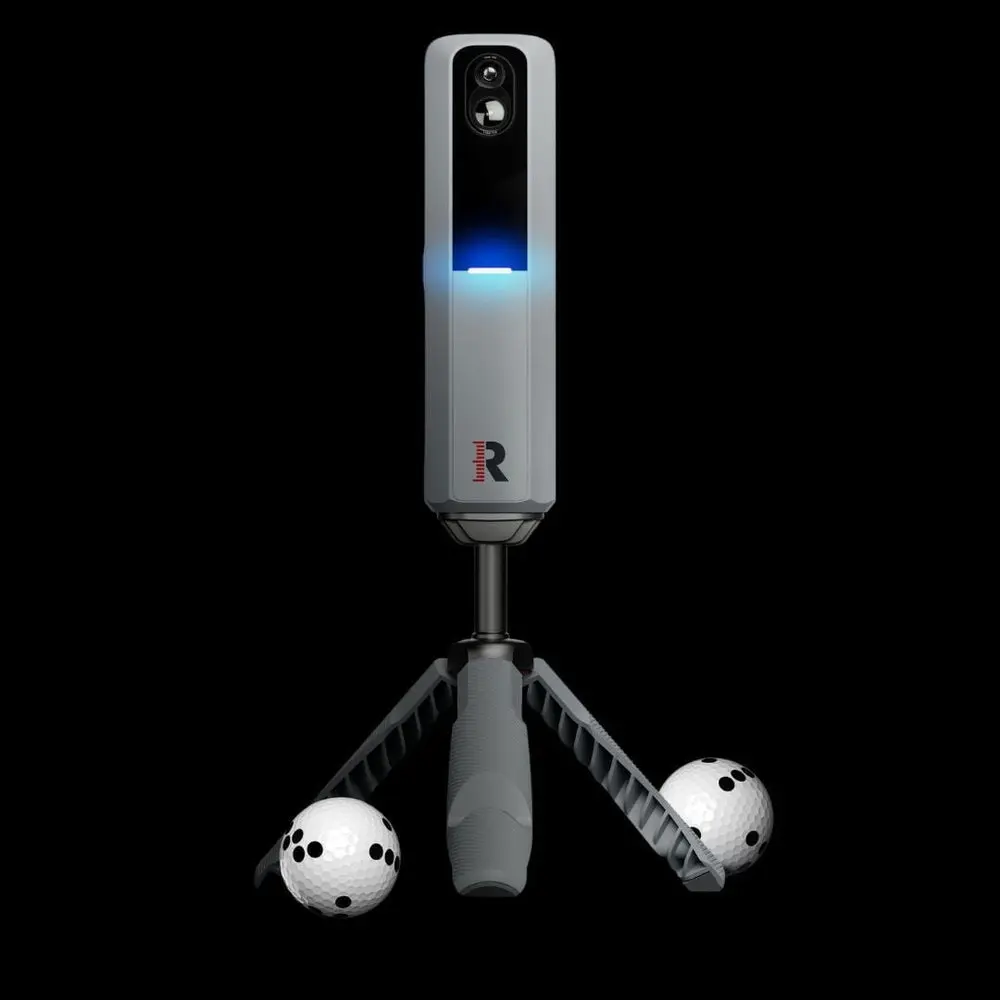 Rapsodo MLM2PROAdds dual cameras for impact video, with a first year of Premium membership included.
Check price
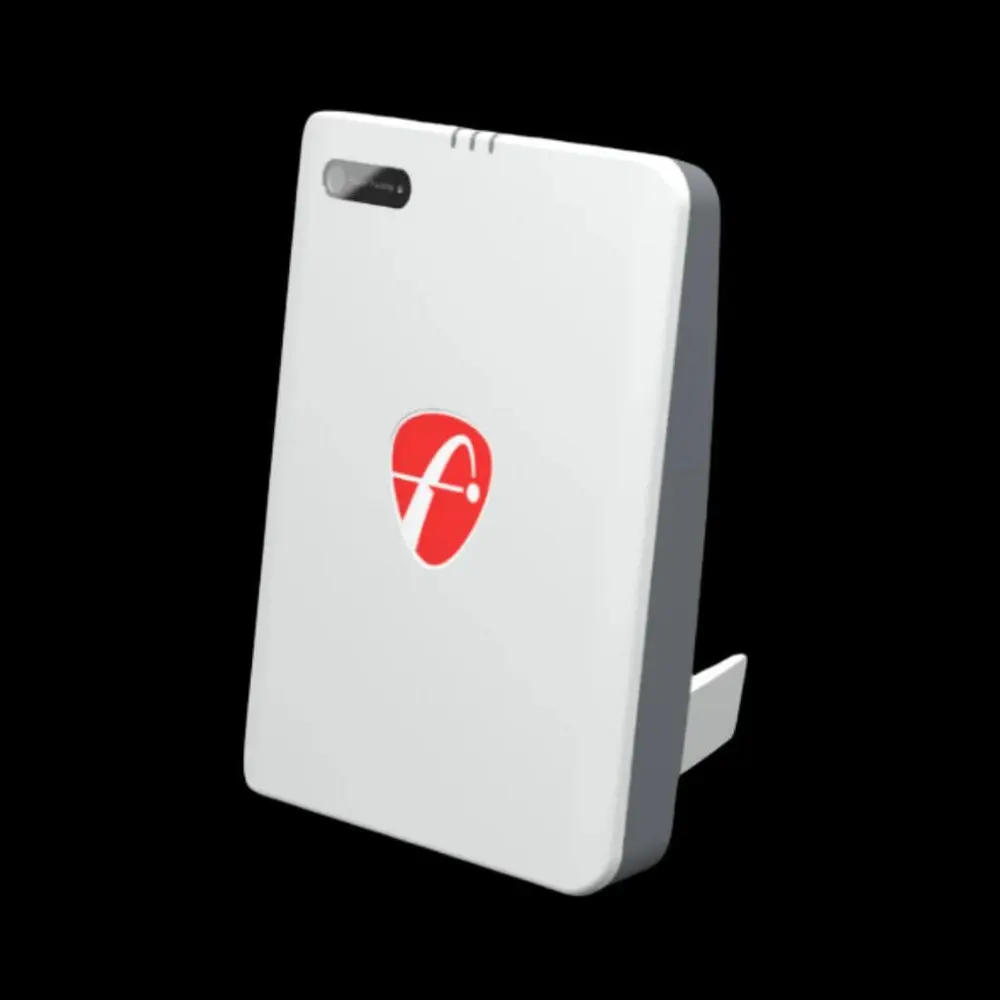 FlightScope MEVO Gen2FlightScope's Fusion Tracking unit lists 18 metrics, three of them for putting.
Check price
Next steps
If this one is close but not quite right, the shortlist sets it beside the other picks, each named for the buyer it suits.
Back to the best golf launch monitors for home and range practice All reviews