

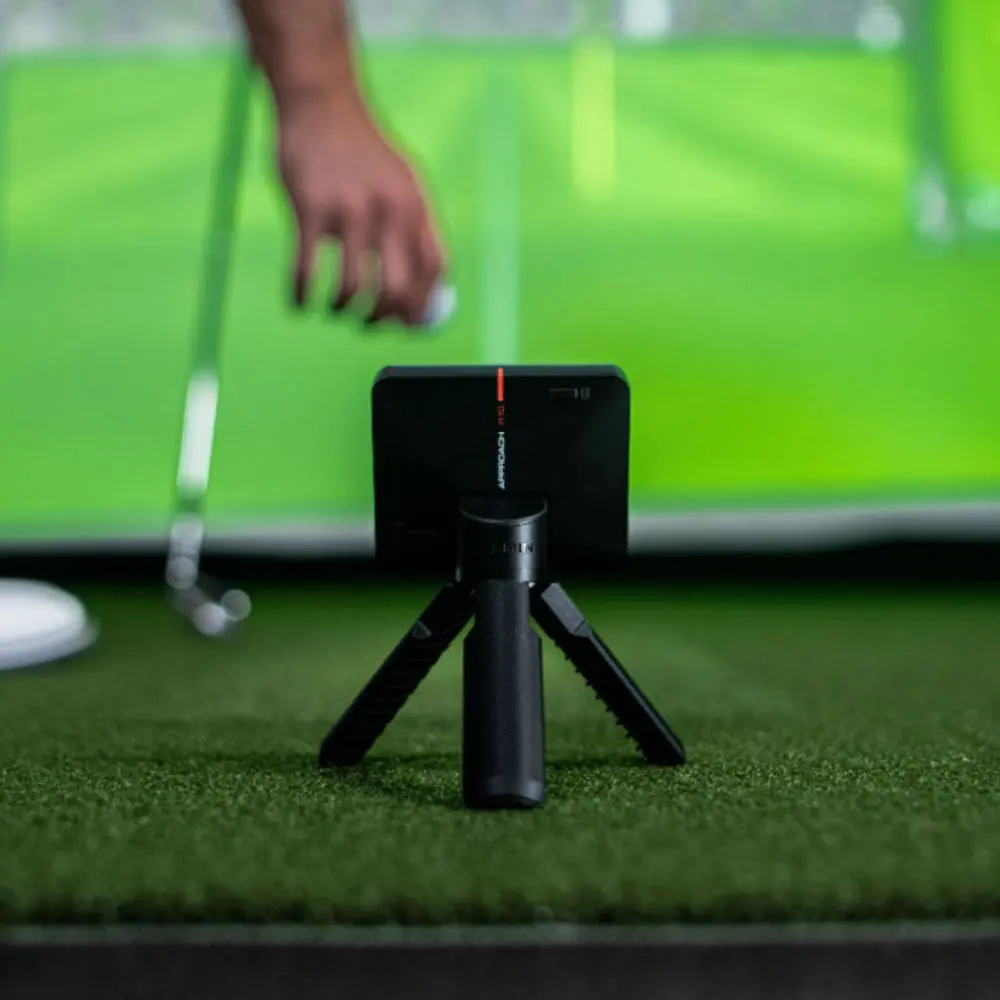
A launch monitor turns a bucket of balls into numbers you can act on: how far each club really carries, how fast the ball leaves the face, and where the swing sends it. The options run from pocket radar units that sit behind the ball at the range to camera systems built for a home simulator. This shortlist is for golfers who want one unit that matches where and how they practice.
Key insights
- Best for most golfers: The Garmin Approach R10 packs spin, club path and face angle data into a palm-sized unit and adds simulator play through E6 Connect on iOS.
- Best on a budget: The Swing Caddie SC300i is the lower-priced pick, with its own screen, a voice that calls out distance and an app you can ignore entirely.
- Who should skip this category: If you play a handful of rounds a season and rarely practice, a lesson with a pro who already owns a launch monitor is the better use of the money.
Our top 5
- Garmin Approach R10 — Best for most golfers
- Swing Caddie SC300i — Best on a budget
- Full Swing KIT — Best premium portable
- Rapsodo MLM2PRO — Best for swing replays
- SkyTrak+ — Best for a home simulator
1 Garmin Approach R10
Best for most golfers. The Approach R10 is the unit we would point most golfers to first, because it covers both places people practice. It is small enough to live in a golf bag, works indoors into a net or outdoors on the range, and the listing names more than a dozen metrics, including spin rate and axis, angle of attack, club path and face angle. Those club numbers are what explain a slice rather than just record it. The app also films each swing and lays your numbers over the clip, which makes a session easy to review afterward.
- Tracks over a dozen ball and club metrics
- Automatic swing video with a stat overlay
- Battery rated for up to 10 hours of continuous use
- It has no screen of its own, and the full virtual course library sits behind a paid Garmin Golf membership once the trial ends.
2 Swing Caddie SC300i
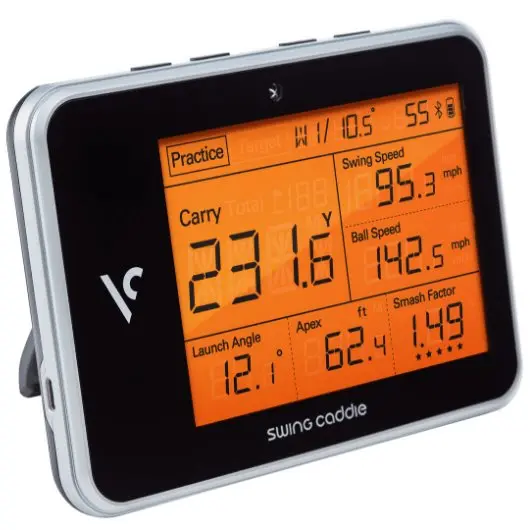
Best on a budget. The SC300i suits the golfer who wants honest carry numbers at the range without opening an app. It is a Doppler radar unit with a 5.3-inch screen, a remote, and a voice that reads your distance aloud after each shot. Practice Mode shows carry and total distance, swing speed, ball speed, smash factor, apex and launch angle, while Target Mode sets a goal between 15 and 195 yards for wedge work. Voice Caddie rates its ball speed accuracy at plus or minus 3 percent.
- Built-in 5.3-inch LCD and voice distance output
- Target Mode for wedge distances from 15 to 195 yards
- Reads shots from 10 to 370 yards
- The listing names no spin, club path or face angle data, so it tells you how far the ball went but not why it curved.
 Swing Caddie SC300i
3 Full Swing KIT
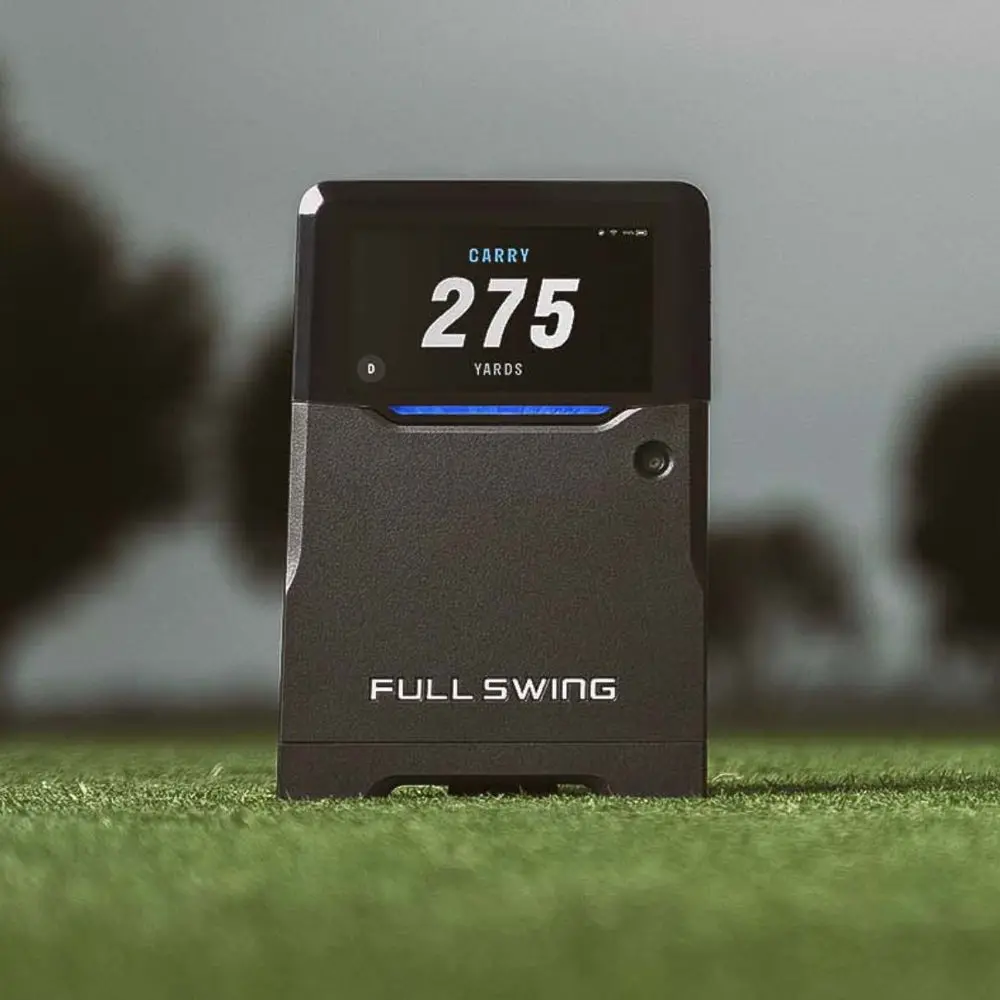
Best premium portable. The Full Swing KIT is for the serious player or coach who wants tour-level data in a case that still travels. Full Swing says its 24GHz dual-mode radar captures 16 data points per swing, from spin rate and axis to face to path and attack angle. A 5.3-inch OLED screen shows the numbers on the unit itself, and a built-in 1080p camera records the motion. The E6 Perpetual package comes in the box with five simulated courses and practice areas, so it can anchor a home bay as well.
- 16 club and ball data points per swing
- 5.3-inch full HD OLED display and a 1080p, 60 fps camera
- E6 Perpetual software with five courses included (iOS)
- At 4.0 lbs it is a proper case to carry, and the battery is rated at 5 hours, so long range days call for a charge plan.
 Full Swing KIT
4 Rapsodo MLM2PRO
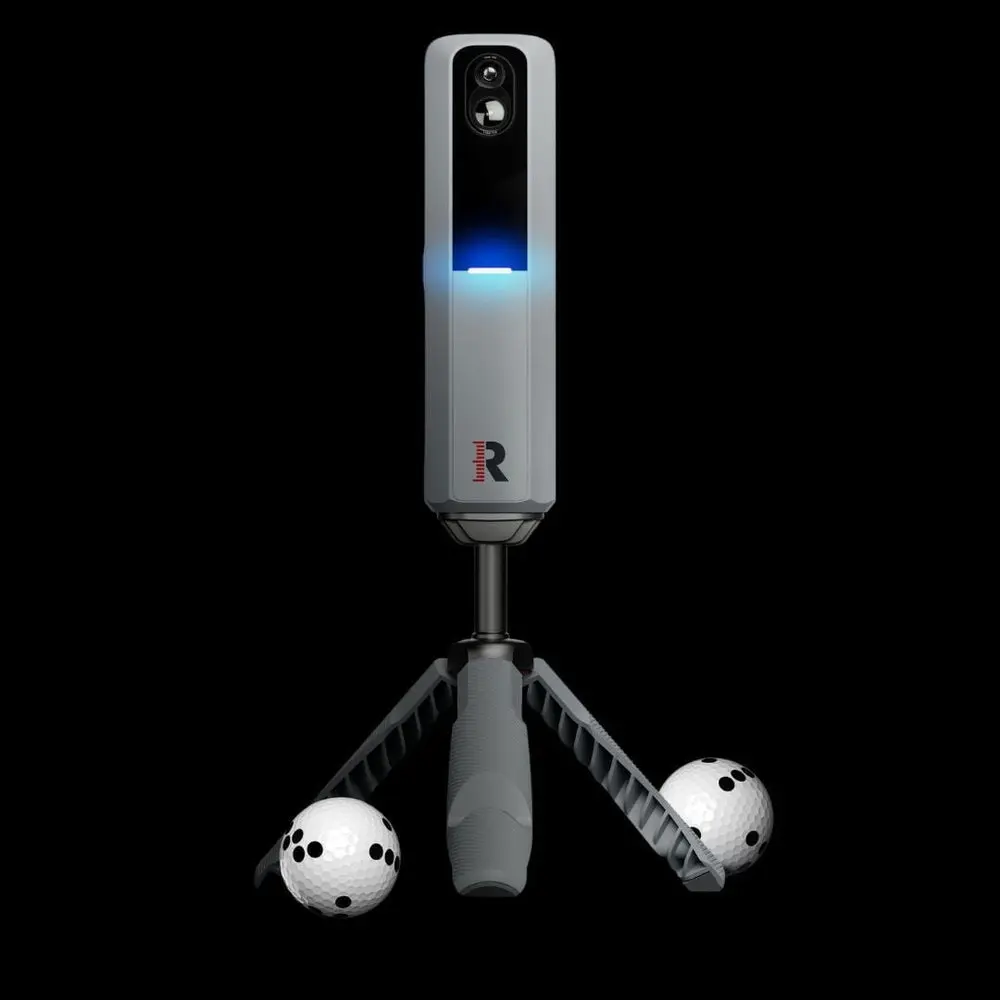
Best for swing replays. The MLM2PRO pairs dual optical cameras with radar processing, an unusual mix at this level. Rapsodo lists more than 10 metrics in real time along with Shot Vision, Impact Vision and swing replays, so you see the strike as well as the numbers. A first year of Premium membership is included, which unlocks slow motion replay, the Rapsodo Combine and the brand's own simulation courses. It is a good match for golfers who learn by watching their swing back between shots.
- Dual optical cameras with radar processing
- Over 10 metrics tracked in real time
- One year of Premium membership included
- Much of the feature list depends on that membership, so plan for a renewal once the included year runs out.
 Rapsodo MLM2PRO
5 SkyTrak+
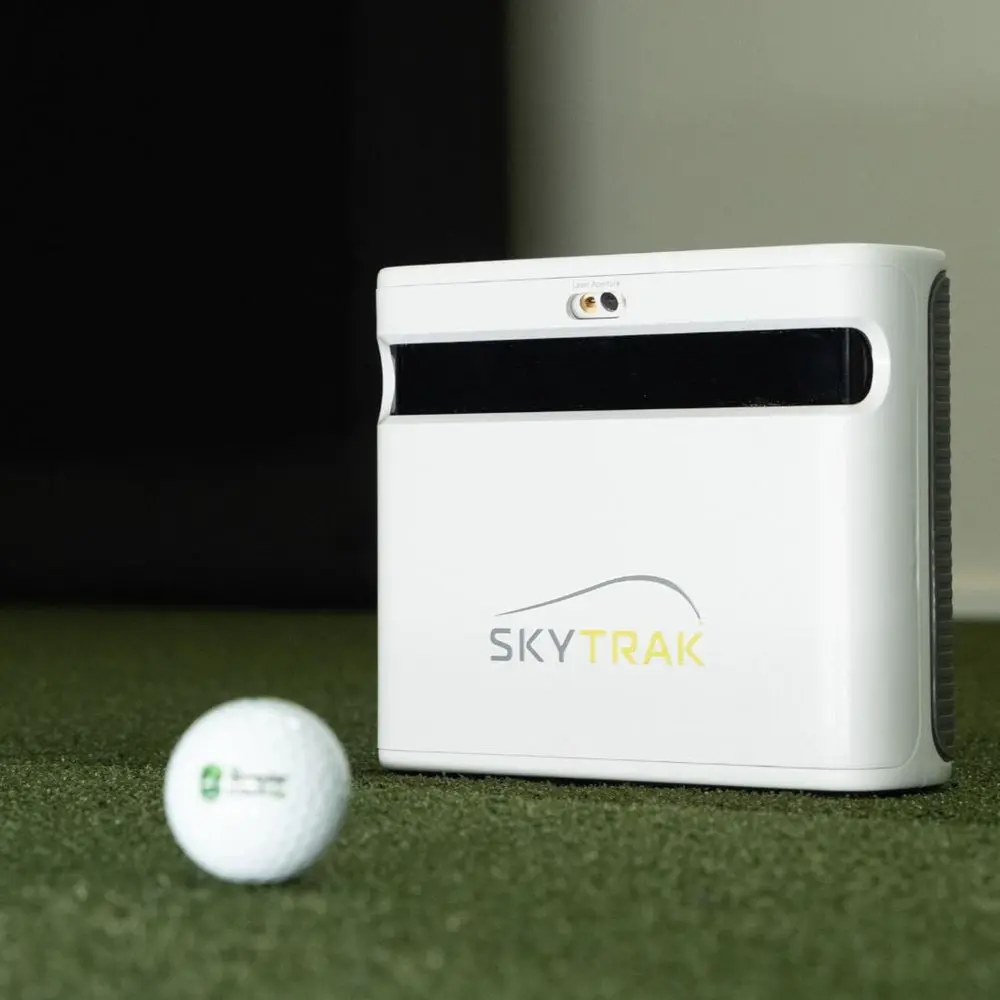
Best for a home simulator. SkyTrak built its name on home simulators, and the SkyTrak+ adds a dual Doppler radar system to the original design. SkyTrak says the radar lets it read club data without stickers on the face, which removes a fiddly step from every session. Shot Optimizer and reworked software are aimed at the player who hits into a net most evenings, and the unit still goes outdoors to the range when the weather allows. This record is the Basic Practice Range version, the entry point to the system.
- Dual Doppler radar added to the core tracking
- Club data without club stickers
- Rated for indoor and outdoor use
- In SkyTrak's system, course play and some features sit in separate plans, so check what each tier covers before you buy.
 SkyTrak+
Side-by-side comparison
| Product | Editor score | Data the listing names | Own screen | Battery life | Software included |
|---|---|---|---|---|---|
| Garmin Approach R10 | 9.0 Excellent | Over a dozen ball and club metrics | No, uses a phone or tablet | Up to 10 hours | Garmin Golf trial; E6 Connect with 5 courses (iOS) |
| Swing Caddie SC300i | 8.4 Very good | Distance, speeds, smash factor, launch, apex | 5.3 in. LCD | Up to 12 hours | Optional free app |
| Full Swing KIT | 8.9 Very good | 16 ball and club data points | 5.3 in. OLED | 5 hours | E6 Perpetual with 5 courses (iOS) |
| Rapsodo MLM2PRO | 8.4 Very good | Over 10 metrics plus impact video | Not listed | Not listed | One year of Premium membership |
| SkyTrak+ | 8.4 Very good | Ball data plus club data without stickers | Not listed | Not listed | Basic Practice Range |
How to choose
Start with where most of your swings will happen. A unit that lives in a range bag has different priorities from one that sits on the floor of a garage simulator, and the best spec sheet will not help if the monitor needs more room than you have.
Radar, camera or both
Radar units such as the Approach R10 and SC300i sit behind the ball and follow its flight, so they shine outdoors where they can watch the ball travel. Indoors they read only a short stretch before the net, and they need space behind the tee: Garmin asks for 6 to 8 feet, Voice Caddie about 5 feet.
Camera systems read the ball in the first moments after impact, which makes them a natural fit for tight rooms. The MLM2PRO and SkyTrak+ blend cameras with radar, which is why they turn up on so many home simulator wish lists.
Ball data or club data
Ball speed, launch angle and carry tell you how far each club goes. Club path, face angle and attack angle tell you why a shot curved or came out low. For a yardage chart, ball data is enough. For fixing a slice, look for a unit that lists face and path numbers, like the R10 or the Full Swing KIT.
Screen or phone
A built-in screen, as on the SC300i and the KIT, lets you glance down between shots without unlocking anything. Phone-based units keep the hardware small and put richer charts and video on a bigger display. Think honestly about whether you like having your phone out on the range.
Software and subscriptions
Many monitors ship with a trial or a first year of premium features and then ask for a renewal. Check what the base app does on its own, which features need a paid plan, and whether the simulator software runs on your devices. Several course packages here are iOS only, which matters in an Android household.
How we picked
We started from the full launch monitor range at Shop Indoor Golf and set aside anything out of stock, along with net bundles, mats and software-only listings. For each remaining unit we read the retailer and brand specifications, the metrics it lists, what comes in the box and which software or membership is included. We kept one version per model and aimed for a spread from a budget radar unit to a premium one, with two options suited to home simulators. Prices are checked against the store and refresh on this page.
FAQ: the best golf launch monitors for home and range practice
Do I need a launch monitor to get better at golf?
No, but it cuts out the guessing. Knowing exactly how far your 7-iron carries, or that the face is open at impact, turns a range session into practice with a goal. Golfers who rarely practice will get more from lessons, while those who hit balls every week tend to lean on the numbers constantly.
Can I use a launch monitor indoors with a net?
Most units on this list can, including the Approach R10, Full Swing KIT and SkyTrak+. Radar units need room behind the ball and a little ball flight before the net, so read the placement notes first. Rapsodo's original MLM is the exception in this range: its listing says it is for outdoor use only and cannot read shots hit into a net.
How much does spin data matter?
For most golfers, a lot. Spin rate decides how a shot climbs, how far it carries and how quickly it stops, and spin axis shows how much it curves. A unit without spin can still map your distances, but it cannot tell you why a drive balloons or a wedge releases. The SC300i listing names no spin figures; the R10 and KIT both do.
Do launch monitors need a subscription?
Not always for basic numbers, but many features sit behind one. Garmin includes a Garmin Golf trial with the R10, Rapsodo includes a first year of Premium with the MLM2PRO, and the Full Swing KIT ships with the E6 Perpetual package. The SC300i works with no app at all. Read the renewal terms before you buy.